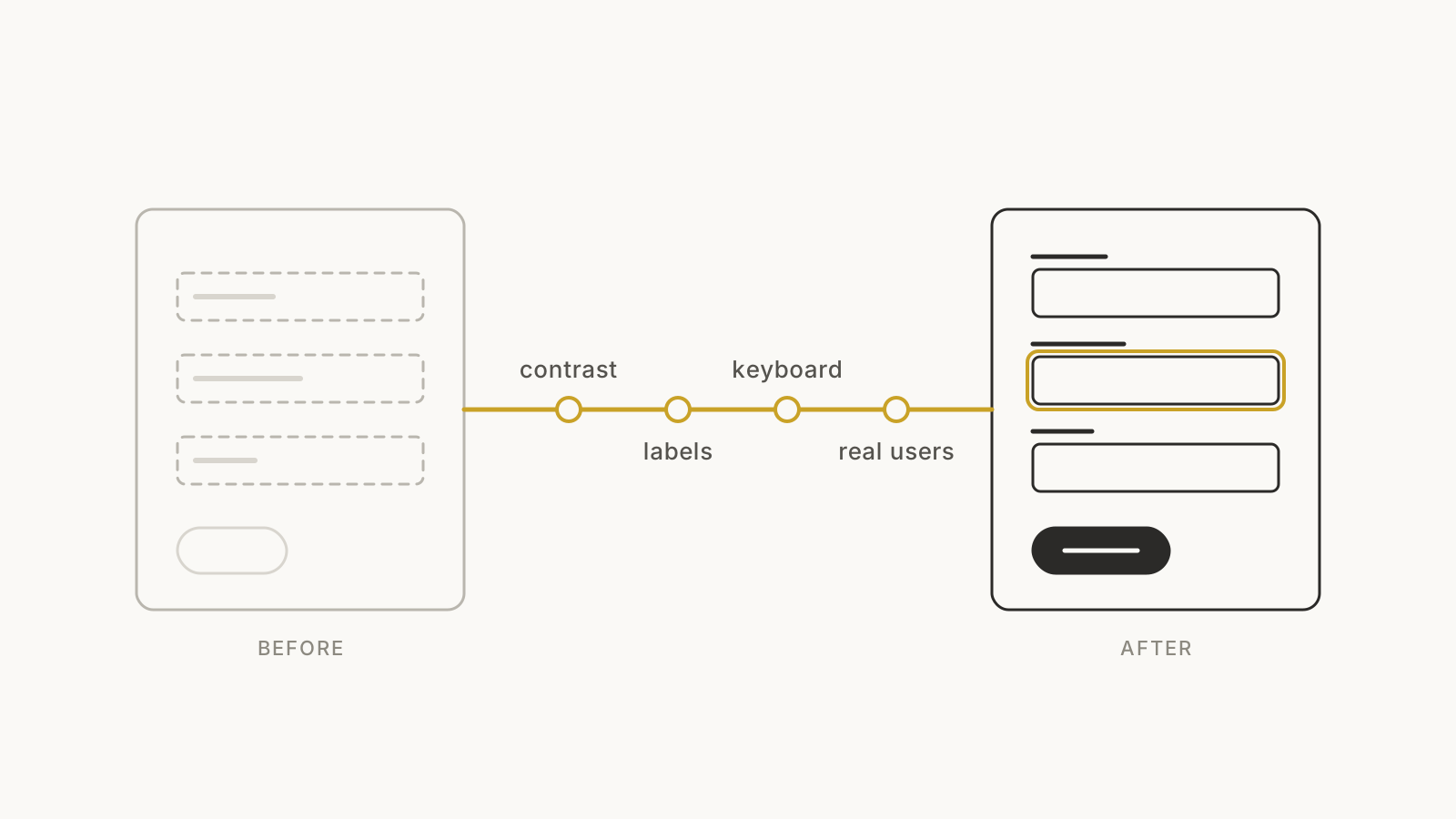
One note before we start: we design and build products, we are not lawyers. Use this to get your bearings, then check your situation with legal counsel.
What the European Accessibility Act covers
The European Accessibility Act (Directive 2019/882) is an EU directive, so each member state writes it into its own national law. In October 2026, AccessibleEU reported that all EU member states have submitted legislation transposing it.
It does not cover every website. The European Commission's summary lists the services in scope, including:
- E-commerce
- Banking services
- E-books
- Services related to air, bus, rail and waterborne passenger transport
For most founders, e-commerce is the category that matters, and it is broad. The directive's recitals describe e-commerce services as services "provided at a distance, through websites and mobile device-based services". If consumers buy from you through your site or app, assume you are in that conversation.
There is one important exemption. Microenterprises that provide services are exempt. The Dutch regulator ACM explains that the obligations apply to companies with 10 or more employees and/or annual turnover above €2 million.
Does it apply to your product? Five questions
Before you buy anything or start a project, answer these.
- Do consumers use it, or only businesses? The Act's service rules are written around consumers. A tool sold only to companies is usually outside the list above. Your enterprise customers may still ask about accessibility in procurement, and their users still include disabled people.
- Is it one of the listed services? Selling products or bookings online, banking, e-books, transport ticketing. A brochure site that sells nothing is a different case.
- Are you a microenterprise? Fewer than 10 people and turnover of €2 million or less. Write down when you expect to cross either line.
- Do you sell to people in the EU? Where you are based is a separate question from where your customers are. This one is worth a short conversation with a lawyer.
- Will a redesign or rebuild happen in the next year anyway? If so, that is the cheapest moment to build accessibility in.
When you don't need to rush
If you are a five-person team building a B2B tool, you probably don't need an urgent compliance programme. Don't buy an expensive "EAA package" out of fear.
Fix the basics as part of normal work instead. Accessible products are usually easier for everyone to use: clearer labels, better contrast and forms that explain their errors help every customer. And they are far cheaper to build in now than to retrofit after you grow past the exemption.
What "accessible" means in practice
The Act sets requirements; the detail lives in standards. According to the W3C's WCAG overview, most organisations addressing the EAA use the Web Content Accessibility Guidelines (WCAG) and the European standard EN 301 549, and the 2026 version of EN 301 549 uses WCAG 2.2.
WCAG 2.2 was published in October 2023, and it is backwards compatible: content that conforms to 2.2 also conforms to 2.1 and 2.0. If you are starting now, design to WCAG 2.2 at Level AA.
Where most products fail
The good news is that the most common problems are not exotic. The WebAIM Million 2026 report tested the home pages of the top one million websites and found detected WCAG failures on 95.9% of them, with an average of 56.1 errors per page. The most common:
- Low-contrast text: 83.9% of home pages
- Images missing alternative text: 53.1%
- Form inputs missing labels: 51%
- Empty links: 46.3%
- Empty buttons: 30.6%
- Missing document language: 13.5%
Regulators see the same picture. In its March 2026 review of large webshops, the ACM found that 61% of the largest Dutch webshops were not digitally accessible, and 33% had serious problems.
Automated checks only find part of the picture. WebAIM itself notes that a page with no detected errors is not necessarily accessible. Treat a clean scan as a starting point, not a certificate.
What to fix first
You don't fix accessibility page by page, in alphabetical order. This is the order we use.
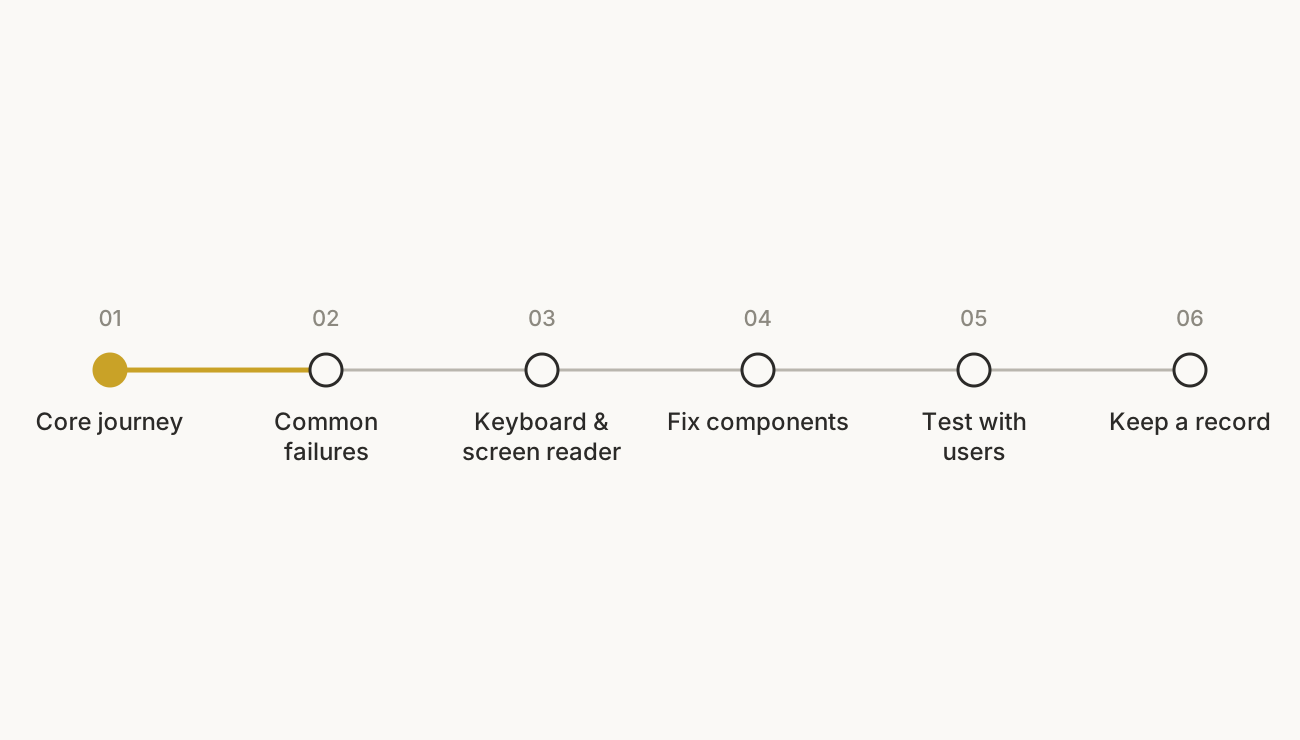
1. Start with the journey that earns money
Pick the one or two flows that matter most: sign-up, checkout, booking, onboarding. If a customer using a keyboard or a screen reader can't finish those, nothing else matters yet.
2. Clear the common failures on those flows
- Text and interactive elements have enough contrast against their background.
- Every meaningful image has alt text; decorative images are hidden from screen readers.
- Every form field has a visible, programmatic label, not just placeholder text.
- Every link and button has a name that says what it does, including icon-only buttons.
- The page declares its language.
- Error messages say what went wrong and how to fix it, next to the field.
3. Put the mouse away
Try the whole flow with only a keyboard. Can you reach every control? Can you see where focus is? Do menus, modals and date pickers trap you? Then try it with a screen reader such as VoiceOver or NVDA. An hour of this usually finds problems no scan will.
4. Fix it once, in your components
Most accessibility bugs are repeated across a product because they live in a shared button, input or modal. Fix the component and every screen using it improves. This is where a design system pays for itself: contrast, focus states and labels become rules, not reminders. If your product was built quickly, our notes on hardening a vibe-coded MVP cover where to look first.
5. Test with disabled people
The W3C's guidance on involving users says that evaluating with users with disabilities "identifies usability issues that are not discovered by conformance evaluation alone". It also warns against assuming that input from one person applies to everyone. Even a few informal sessions during development will change what you build.
6. Keep a record
Write down what you tested, against which standard, what you found and when you plan to fix it. It keeps the work honest, and it is what you will want in hand if a customer or regulator asks.
Why we don't recommend accessibility overlays
Overlays are scripts that add an accessibility toolbar or try to repair a page automatically. Our view: they can't reliably fix problems that live in your code and content, such as a checkout button with no name or a form that makes no sense to a screen reader. The W3C's guidance on evaluation tools says tools "can not determine accessibility, they can only assist", and that human judgement is required. We would rather spend the same budget fixing the components.
What enforcement looks like so far
Each member state sets its own penalties and regulators. Enforcement has started gradually. Sweden's regulator PTS began its first supervision of e-commerce services in October 2025, starting with company websites. The Dutch ACM said in March 2026 that companies which don't make sufficient improvements risk enforcement.
We wouldn't plan around fines. We would plan around the customers who can't use your product today.
A short checklist for founders
- Have we decided, with advice, whether the Act applies to us, and written down why?
- Do we know our one or two most important user journeys?
- Can someone complete them with only a keyboard, and with a screen reader?
- Have we cleared contrast, alt text, labels, link and button names, and page language?
- Are fixes made in shared components, not page by page?
- Is WCAG 2.2 AA part of our definition of done for new work?
- Have we tested with at least a few disabled users?
- Do we keep a record of what we tested and what's still open?
So, where should you start?
Answer the five questions honestly. If the Act applies, start with the journey that earns money and fix it in your components. If it doesn't apply yet, build the basics into your next release anyway, so growing past the exemption doesn't trigger a rebuild. And if a website redesign is already on the roadmap, make accessibility part of the brief from day one.
Not sure where your product stands? Get a free UX audit: a recorded 20-minute walkthrough of what's getting in your customers' way and what to fix first. Or book a quick call with Kishan to talk through accessibility on your product.